
Made in Pakistan

Pacer Desktop PC: Reliable Choice for Daily Use, Work and Study

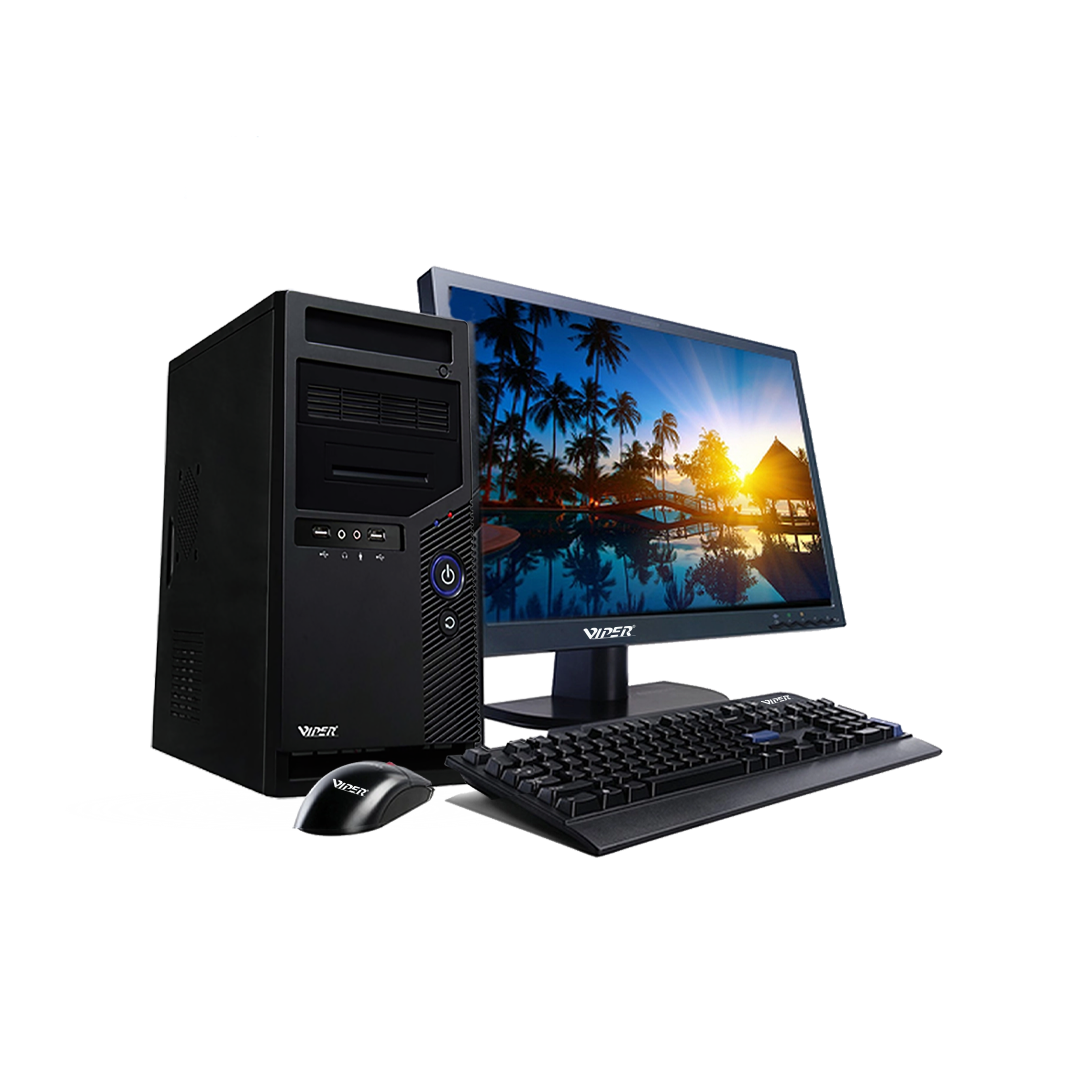
A desktop is not just a static gadget. It has become a part of our daily lives. It is used for virtual classes, assignments, entertainment, office files, video meetings, browsing and user records. This is why choosing the right system is important.
Most users only consider storage size, price and processor. These features are crucial but they do not completely define the actual experience. A practical setup should feel secure, stable and reliable. It should not slow down, heat up quickly, or struggle to upgrade.
How a Pacer Desktop PC are Suitable for Advanced Workstations
Control is the greatest advantage of a desktop system. Users are not required to carry a computer with them unlike laptops which are portable. Many office workers, shop owners, gamers and students use a single desk daily. With a stable sitting posture, full keyboard, proper monitor and separate mouse, they can work easily.
Unlike other compact devices, Desktop PCs provide greater adaptability. The storage can be added, accessories can be connected, RAM can be modified and the screen can be changed. It is especially helpful for homes, offices, schools and shops, where a system is used by more than one person.
Connecting the System with the Real Purpose
A system should be opted according to the usage of user. A shop owner might require user data, and records. An editor, gamer and designer needs better layout, powerful memory and quicker storage. A financer may need an flexible system for software and spreadsheets.
That is when quick decisions should be avoided. An expensive computer might not be the right one. Low-cost system might become troublesome with time. A practical approach is to ask real questions. Can the system be used by a lot of people? Which software will be better? Is there sufficient storage?
Sustainable System and Optimized Space
All-in-one systems are widely recognized as they require less physical clutter. The components are organized in one single unit rather than several cables, monitor and CPU case. It is especially useful in study spaces, classrooms, counters and offices as the desk looks cleaner.
Yet, all-in-one desktops are not beneficial for everyone. For users who need display options, replacement parts and upgrade adaptability, a conventional desktop is a better choice. Integrated systems are effective for users who require a cleaner setup, simple layout and less cables.
Why Comfort Matters
Comfort is important too. Eye discomfort can be reduced by bigger display. Control is achieved by a stable mouse. Typing gets easier with a keyboard. These features are crucial for users who spend long hours of working.
Simple task can become stressful with a poor system. The mouse might not move freely, the screen may be small or keyboard might feel uncomfortable. A fixed desktop creates a comfortable and organized working space.
RAM, Upgrade Options and Storage is Important
Before purchasing, storage should also be considered. The system feels quicker with an SSD storage allowing files and applications to load faster. When several files are open at once, RAM becomes useful. The system stays responsive with an effective processor.
The components should not be selected randomly. A strong component with other weak parts is less effective than a balanced system. Before making any decision, RAM, warranty, storage, service assistance, processor generation, ports and operating system support should be checked.
Considering the Future Use
A system should not be purchased based on current needs. A home user might need advanced software. A student might store heavy assignments. A business might require latest features. The purchase becomes practical if the system is adaptable.
The location of the system should also be considered. For example, a system placed in laboratory, offices and shops should be durable and easier to maintain.
FAQs
1. Are integrated systems better than old desktops?
It is based on the user. An integrated system is useful for smaller spaces and basic setups, whereas a conventional desktop is effective for users who require customized setups and display tools.
2. Who actually can use integrated desktops?
These systems are useful in schools, homes, reception corners and small offices as they require less cables, ensuring the workspace looks organized.
Desktop computer is worth buying for users who require a system for study, work and daily tasks. Viper technology can be mentioned as a prominent name where users can discover various digital gadgets along with desktop systems.