
Made in Pakistan

Pacer Desktop PC: An Ideal Choice for Users Who Require Stability in Everyday Life

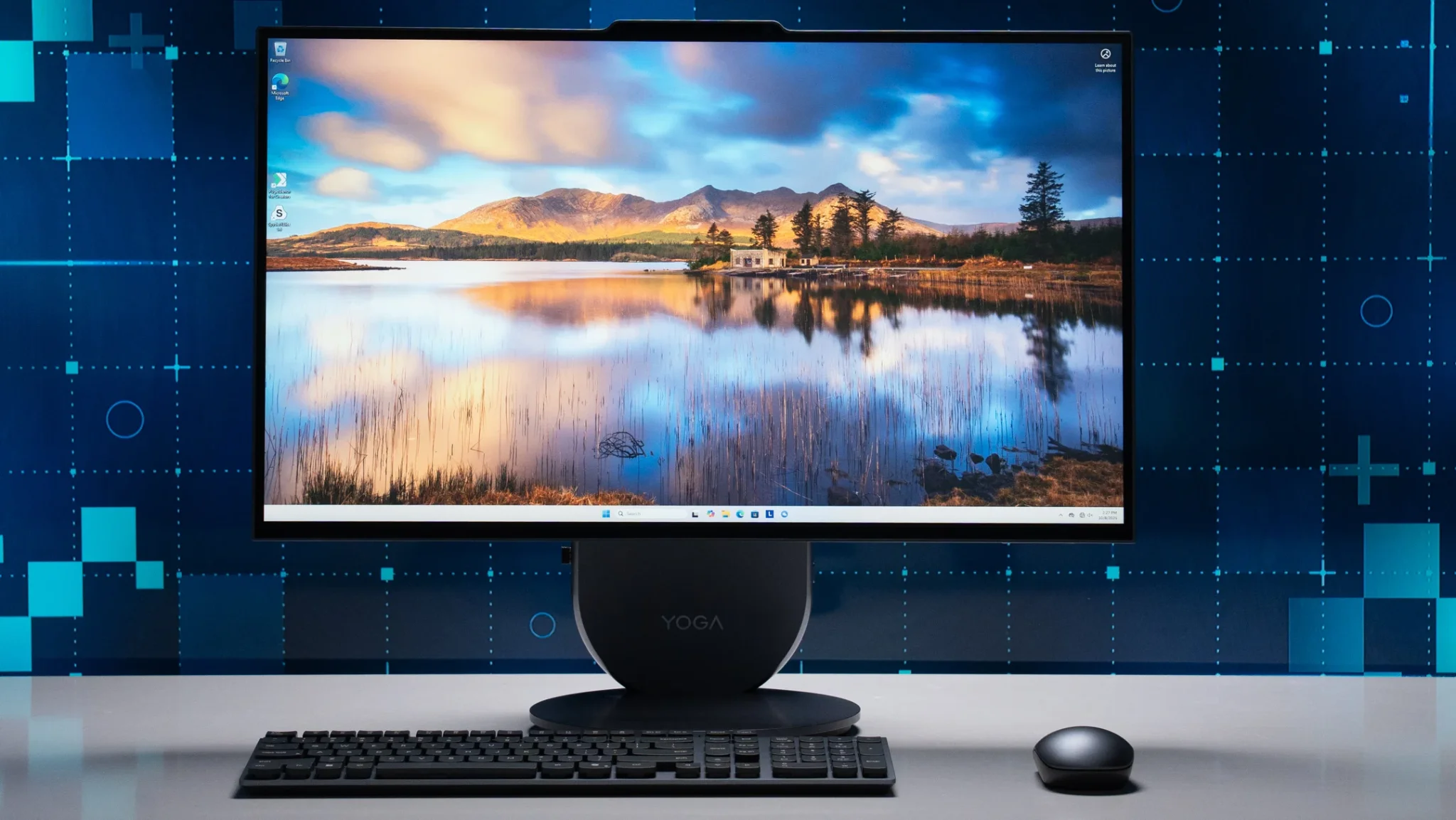
Pacer Desktop PC is a reliable option for users who require computers that are well-equipped, stable and comfortable. Portable tablets and laptops are attractive to users. However, a static desktop PC is still considered significant when it comes to real work. It has better cooling, reliable keyboard, more space, suitable screen and mouse arrangement.
This is crucial for schools, offices, homes and entrepreneurs. Browsing is not only a sole purpose of desktop computers. They can be used for video conferences, design projects, document work, online classes, stock records, customer support, accounting or extended tasks. Small details such as stability, comfort and speed become important when a system is used on everyday basis.
How Pacer Computers are Still Essential for Advanced Users
Most people prefer pacer desktops as they support the everyday habits of users. A portable device is not always required by people. Most of the time users spend hours at one desk. Rather than closing or opening laptops frequently, a desktop setup can be more reliable.
Users can easily work in a structured environment through desktop systems. The mouse can be used freely. The keyboard can be placed correctly. The screen can be set up at eye level. This is especially helpful for users who spend a lot of time in front of the screen as it minimizes physical discomfort.
Functionality is another aspect. As desktops have larger internal space for cooling, they can manage heat effectively. The computer operates accurately when it stays cool. This becomes crucial in settings where desktops may be switched on for a longer period of time such as schools, homes, offices and computer labs.
How All-in-one and Desktops are Different?
Integrated and conventional desktop systems are often compared by buyers. Both have different purposes yet both are useful.
A desktop computer has a separate keyboard, mouse, CPU and monitor. This allows adaptability. According to financial constraints and space, users can organize the system, alter the monitor and renew parts. It is ideal for users who prefer power over functionality and upgrades.
Integrated systems merge screen and desktop into one unit. This saves work space and minimizes cable mess. Furthermore, it looks organized and can be set up in classrooms, homes, offices and reception areas. All-in-one desktops can be an effective choice for users who want a single integrated system.
Users have the choice. A desktop may become better if upgrade adaptability is more important. Integrated systems may be ideal if clean layout and space-saving are more crucial.
Why Cable and Space Organization is Significant
The work might seem harder due to a cluttered desk. The study area looks unorganized and compact with dispersed accessories, too many cables and a large CPU box. This is why all-in-one desktops are quite famous. They transform the setup by minimizing the number of individual components.
Therefore, a conventional desktop system has several benefits. It provides enough space for bigger monitors, speakers and printers if placed near the table or under the desk. This is especially helpful in settings like offices and institutions where users may require a variety of accessories and sizes.
Who Would Benefit from Pacer Computers?
Pacer computers are beneficial for users who need a specific computer for everyday work. Office members can use it for emails, communication, documents and spreadsheets. Entrepreneurs can use it for user service, payments and records. Students can be used for research, assignments and virtual learning.
It is also beneficial for households that require a single shared desktop. Children can easily study under supervision with a fixed computer. Adults can perform tasks without relying on tiny screens.
All-in-one desktops might be more captivating to users who prefer organized layout. An individual desktop system may be ideal for users who need powerful adaptability. The primary focus is to align with user’s need rather than simply on the name of product.
Things to Check Before Purchasing
Users should check the screen size, warranty, processor, storage, ports and RAM before buying. SSD storage is particularly helpful as it loads files quicker and improves the speed of the system. A bigger screen enhances daily operations. RAM supports multitasking.
Future demands should also be considered by purchasers. Today, users might need computers for regular work but for the long term they require more storage, improved display support and heavier software. Choosing carefully can reduce frustration and save money.
Pacer computers are not just ordinary desktops but it creates reliable space for learning, work and everyday digital tasks. Some users may want integrated computers for organized setup while some prefer conventional desktops. Viper Technology is a prominent name for users who want to explore Pacer desktops, integrated systems and valuable computing products in a single range.