
Made in Pakistan

How to Choose a Desktop Computer

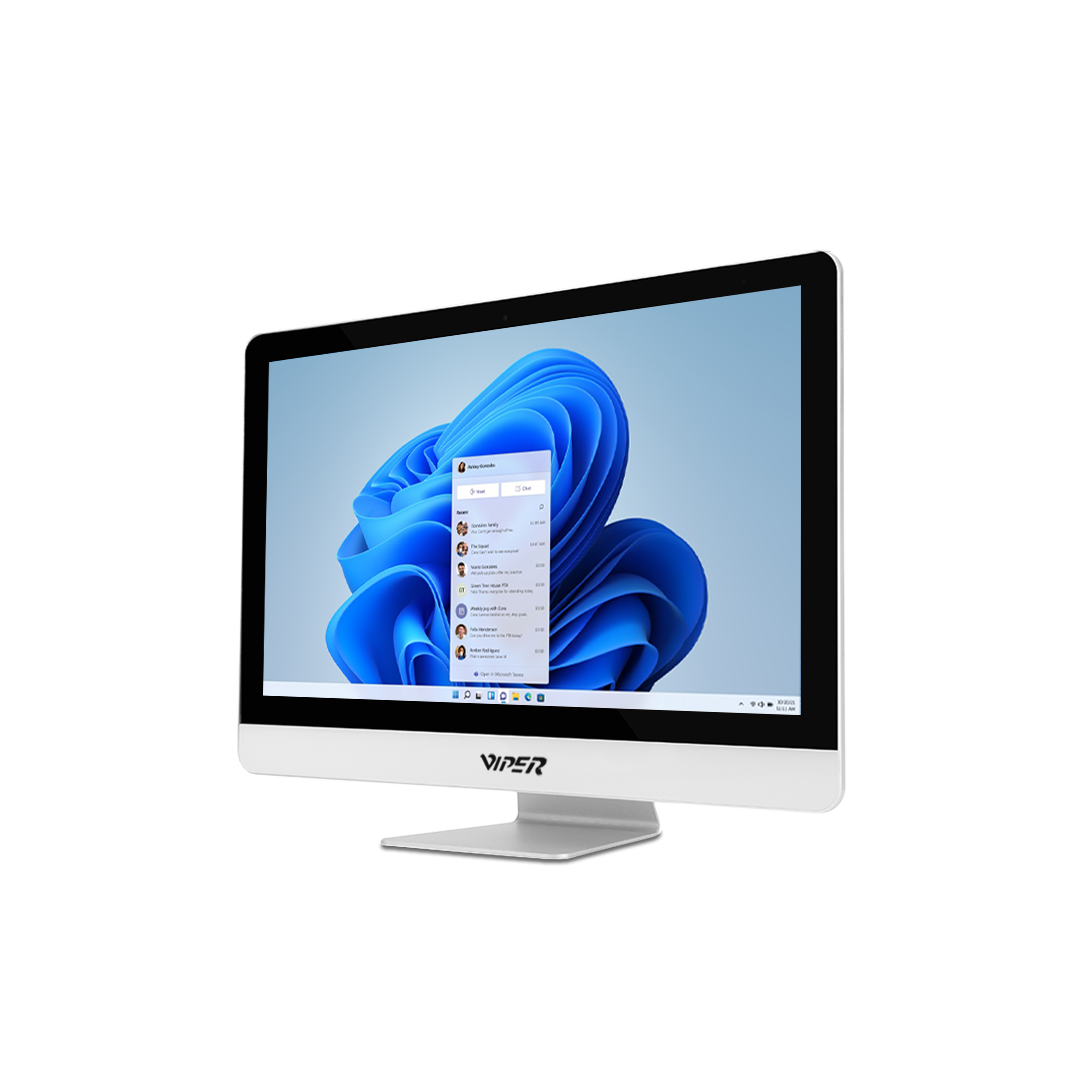
When there are a lot of graphics cards, processors, price points, memory capacities and storage options, choosing a desktop system becomes difficult. Without paying for unnecessary performance, the right setup should align with your budget, workload and available space.
Students, gamers, home users, office and commercial businesses can use well-suited desktops. The comparison becomes easier when we understand the features.
What Is a Desktop Computer?
A desktop system is a computer that is created for usage at a fixed workspace. All-in-one desktop integrates the display and compute hardware in one entity whereas a conventional computer has an individual monitor, mouse, keyboard and system unit.
The graphics processor creates visual results, the processor manages calculations, the storage saves documents and applications and RAM boosts active tasks. Conventional computers offer more upgrade features than modern laptops.
Why Choosing the Right Desktop Computer Matters
Different configurations are required by users. Demanding professional applications, modern gaming, 3D work and video editing require more power than browsing, virtual meetings and basic office applications.
Spending money on irrelevant hardware wastes budget whereas selecting features that are shallow may create stagnation. Longer-term value is also impacted by scalability. If requirements change, a system with sufficient storage, expansion features and accessible memory can adapt easily.
Key Features to Look for in a Desktop Computer
For rapid performance, the processor is the major component. Designers, creators and gamers handling demanding software does not need the same CPU class as the casual daily users.
RAM influences multiprogramming. Greater memory offers a lot of benefits such as modern gaming, creative applications, browser tabs and large spreadsheets. Storage is significant too. HDDs provide economical space for heavy folders and SSDs allows fast loading and program download.
Visual requirements are based on usage. Consistent visuals aid in rendering, creative work and gaming whereas integrated visuals are adequate for media tasks, routine office work and study.
As future development and system adaptability can be impacted, considering cooling, upgrade features, ports and connectivity is necessary.
How to Choose the Right Desktop Computer
First determine what will be the purpose of the system. Will it be used for gaming, editing, documents, work, design, accounting or any other reason?
Compare the system configurations and set a sensible budget. Check whether the setup consists of an operating system, keyboard, monitor, mouse or other equipment when examining desktop computer price.
Ask realistic questions. Can storage or RAM be added later? Do you need consistent visuals? Is warranty sufficient? Do they offer after-sales maintenance? Will the system be able to manage the workload in the future?
Home users should prioritize connectivity and desk space whereas commercial businesses should look at the uniform configurations for easier assistance.
Pre-Built vs. Custom-Built Desktop Computers
Pre-built desktops are ideal for users who prioritize warranty support, comfort and compatibility as they are configured systems.
Custom-built computers provide greater power over parts. They are suitable for technical users, gamers and creators who require performance. Purchasers should always verify warranty and connectivity.
What Should Buyers Consider When Purchasing Online or In-Store?
Examine the RAM, visuals, processor generation, storage and other features when visiting a store or checking the online desktop system sale. Different products with similar names can create confusion in understanding specifications.
Before making a decision, check setup assistance, exchange terms, warranty, delivery, delivery and after-sales support.
Is a Desktop Computer Suitable for Everyone?
Desktops are ideal for users who want larger displays, fixed workstation, performance and scalability. They are useful in creative settings, offices, gaming setups and homes.
Laptop is effective for users who work in various settings. They provide a neutral ground for users who want a desktop-oriented system with minimum clutter.
FAQs
What is a desktop computer?
It is a system with an individual display and input parts built primarily for static use.
How much RAM do I need for a desktop computer?
Your applications and multitasking demands determine it. Professional creative work and gaming require more memory than daily work.
Should I buy a pre-built or custom desktop computer?
If you need higher configuration or distinct components, consider a custom-built desktop. For easy convenience and simpler support, choose pre-built.
What is the average desktop computer price?
The price varies according to storage, brand, processor, graphics, memory and other accessories.
Is a desktop computer better than a laptop?
We cannot compare either of them. Laptops support adaptability whereas desktops promote expandability and static use.
Conclusion
The right Desktop computer system is the one which aligns with the intended use, by balancing storage, processor, visuals, space, budget, RAM, performance, warranty and upgradeability. The purchase becomes better when complete configurations are considered instead of just headline features.
For users who want to explore high-end and integrated systems, Viper is a prominent name that offers various desktop options beyond Pacer PC range. Choose a system that is suitable for both current and future needs.