
Made in Pakistan

Desktop PC: How It is an Ideal Choice for Daily Use

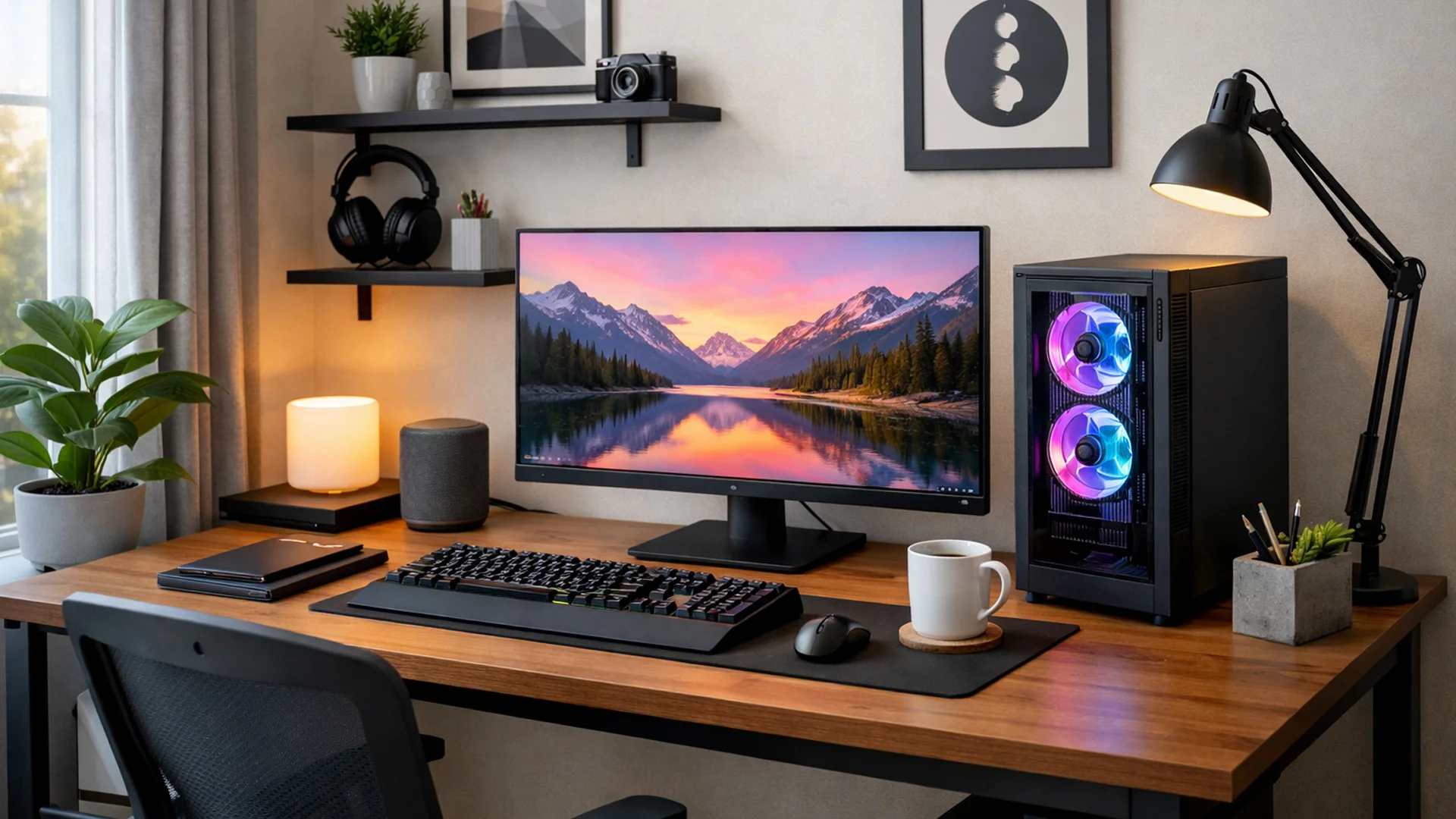
A Desktop PC might not be an attractive gadget but it is still among the most suitable options for users who need performance, durability and comfort. Tablets and laptops are ideal for portable computing but desktops are beneficial for various reasons. They are easier to update, offers a suitable working space and a screen setup that aligns with user needs.
That is why desktop computers are still commonly used in schools, homes, labs, gaming rooms, offices and call centers. They are not only beneficial to a single kind of user. A designer may require screen space and fast speed. A student may need a reliable system for doing assignments and attending virtual lectures. A gamer might require dynamic visuals, high-end performance and a system that can manage prolonged sessions.
Finding a Desktop Computer that Meets the Everyday Requirements
An expensive desktop is not always the best desktop. Instead, it is the one that is suitable for the user’s work schedule. The most appropriate question before purchasing should not be which version is the latest; it should be whether this system will be able to function every day?
A well-designed desktop with adequate SSD storage and RAM feels seamless for browsing, documents, emails and office work. Slow systems disrupt focus and waste the time of students. That is why flexibility and speed are crucial. Reliability, convenience and availability of ports for scanners, external drives, printers and barcode devices are the primary concerns for businesses. Visual card, processor, display and cooling systems are important for innovative work and gaming.
In a broader desktop range, Pacer Desktop PC is considered a prominent name developed for users who need steady, reliable computing instead of a temporary device. Users have more power over upgrades, performance, accessories and display size in a desktop system.
How Desktop Computers Are More Stable
Airflow is one of the biggest benefits of a desktop. The internal components of portable devices are very close to each other that they often get hot. The large space inside the casing of a desktop computer allows heat to flow efficiently. The allows the system to stay consistent during long hours of work. The performance is highly affected by heat. The system may shut down, freeze or slow down due to high heat. It can disturb the work routine of users.
Upgrading adaptability is one of the significant reasons influencing the durability of desktops. Another drive can be installed if storage gets full. RAM can be added if system becomes slower. The desktop computers allow graphic upgrades for designing or gaming.
How Experience Changes with Display Performance
Most users ignore the monitor and spend on the main computer. Screen is important as users spend hours looking at it. Even if the system is efficient, bad display can make gaming boring and work stressful.
A visible and smooth monitor can be used for normal work such as video meetings, typing, reading and spreadsheets. An obvious distinction can be seen through gaming led as quick movement seems responsive and flawless. This is important in shooting games, sports titles and racing games.
Experience can be improved by curved led for users who prefer a broader and clearer view. When the screen is large, this curve makes the display appear intuitive. Without requiring an intricate system, it can enhance the experience in editing, gaming and multitasking.
Desktop Computer: More Than Just a Gaming Gadget
Gaming is not the sole purpose of buying desktops. A desktop helps in teaching, video editing, research, accounting work, software development, browsing, entertainment and online meetings.
Desktops contribute in creating learning spaces and computer labs in schools and institutes. Data entry, administration and customer management is supported by desktops in offices. Furthermore, it creates a shared space in homes for families.
Examine Before Making a Decision
A smart buyer examines the display quality, RAM, graphic needs, processor, SSD storage, cooling and available ports. A computer is not a single-use investment so technical support and warranty is important. People rely on computer for month or even decades.
The future demands should also be considered. User might require regular work today but later they might want bigger storage, heavier software or another screen. Replacement cost can be saved by choosing a powerful system.
Desktop computers are still significant as they offer comfort, reliability, powerful durability and upgrade freedom. The primary goal is to create a system that fulfills real world demands. Viper Technology serves as a useful place for users to explore tablets, displays, desktop systems and other digital gadgets in one accessible space.